

Using a Mobile Browser for Online Casino Browsing
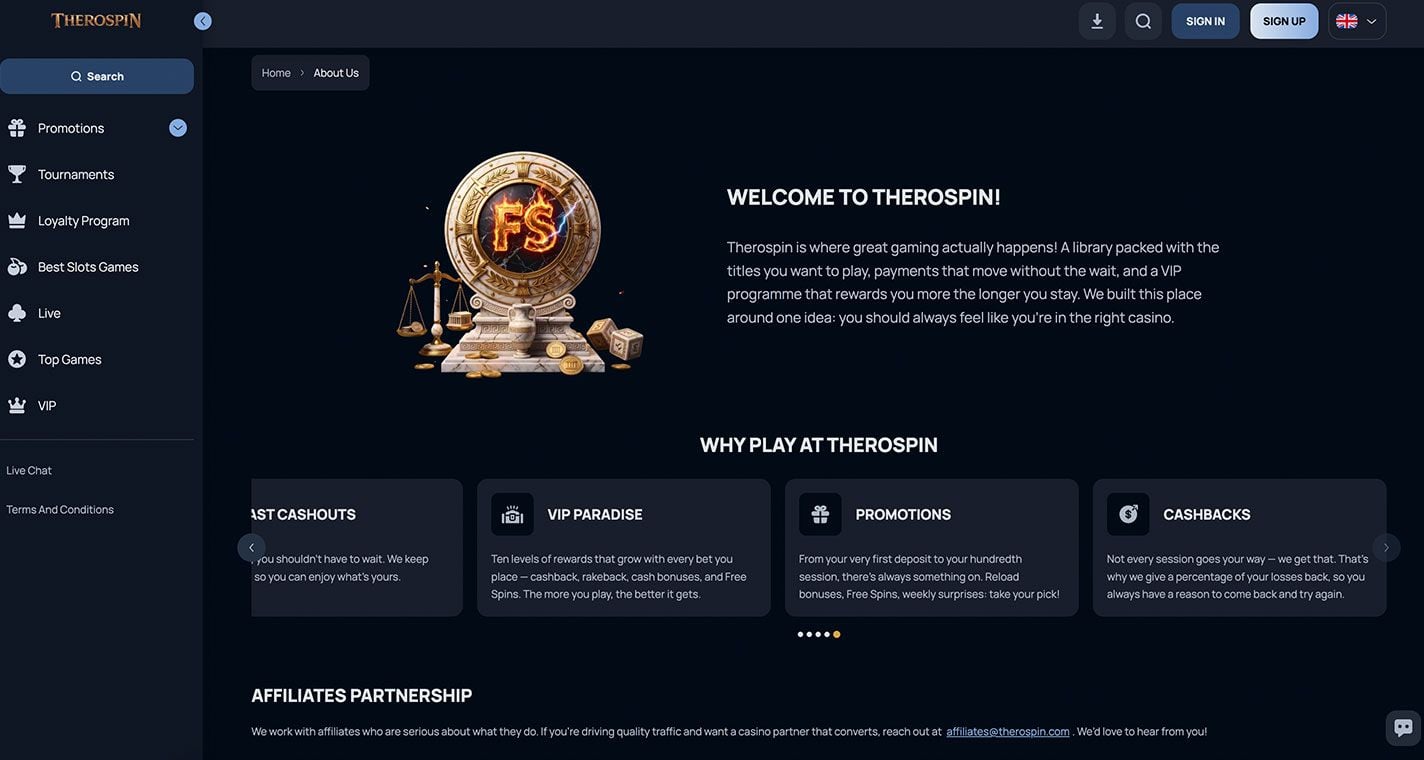
Mobile browsing can be convenient when you want to compare categories, read conditions or check whether a casino site works properly on a smaller screen. For Australian adults researching the WWW.RIPPLESRESORTVANUATU.COM website and similar services, the important question is not simply whether a page loads. It is whether the browser experience is clear, secure and practical without confusing a mobile website with an official app.
What should a mobile casino lobby make easy?
A useful mobile lobby should let you move between major areas without excessive zooming or repeated page reloads. Clear menus, readable labels and responsive buttons matter more on a phone than on a large monitor because screen space is limited. A compact navigation system should still make it possible to distinguish casino games, live tables, jackpots, promotions and account pages.
Category structure is especially useful when a catalogue is large. Browsing headings such as new, popular, live games, table games, pokies, instant games, Megaways and jackpots can reduce the need to scroll through one long feed. Filters are most helpful when they remain understandable on a narrow display. If a menu opens over the page, check that it can also be closed easily and does not hide important account or terms information.
Mobile browsing is also a reading task, not just a way to select a game. Before making any decision, open the relevant terms and check whether the text is complete, current and legible. Promotional conditions, account requirements and jurisdictional notices should not be hidden behind tiny buttons or truncated panels. If the page becomes difficult to read, switching to landscape mode or a larger screen is sensible rather than relying on assumptions.
How does browser access differ from a mobile app?
A mobile browser site is opened through Safari, Chrome or another standard browser, while a native app is installed through an app store or another distribution route. These are not interchangeable. A browser page may provide access to the lobby and account areas without offering an app, and an app-shaped icon or downloadable file does not prove that it is an official application.
The available information describes browser access on smartphone-sized screens but does not establish that a dedicated iOS or Android app exists. That distinction matters because third-party app files can create security and privacy risks. Avoid downloading an APK from an unverified page simply because the browser version suggests that mobile access is supported. Use the operator’s stated information to determine whether an official app is actually available.
Browser access can be preferable when you want to avoid filling a phone with additional software. It also makes it easier to close a session and clear site data. An app may offer a more tailored interface in some cases, but it can request device permissions and may require updates. For general browsing, the safer choice is the official website address entered manually or saved from a trusted source, rather than an unsolicited link or file.

Which phone settings improve clarity and security?
Start by updating the phone’s operating system and browser. Updates can address known security weaknesses and improve compatibility with modern websites. Use a screen lock, avoid sharing the device while an account is open and do not save passwords on a public or borrowed phone. A password manager can help create a distinct password without relying on short, repeated phrases.
Connection quality affects more than speed. Public Wi-Fi can be convenient, but it is better not to enter sensitive account information on an untrusted network. Check that the browser shows a secure connection and that the address is spelled correctly before entering login details. The Australian Cyber Security Centre’s online safety guidance provides general advice about protecting accounts, devices and personal information; it does not confirm any casino-specific feature or service.
Review browser permissions as well. A normal casino webpage should not automatically need unrestricted access to contacts, photos or a microphone. Be cautious if a pop-up urges you to disable security controls, install an unknown extension or provide a one-time code. Never share passwords or authentication codes through live chat, email or social media, even if a message appears to come from customer support.
What can make mobile browsing inconvenient?
Small screens can conceal important detail. Menus may collapse, promotional text may be spread across several panels and a button can be close to another control. A page that technically loads may still be unsuitable if you cannot identify the selected currency, read a condition or confirm which account area you are viewing. Take a pause whenever the layout feels rushed or ambiguous.
Performance is another limitation. Images, live video and animated game previews can use considerable data and may drain a battery quickly. Weak reception can cause a page to reload, lose a filter or display an incomplete balance panel. A stable connection and adequate battery are practical requirements, particularly for live content. Do not assume that a brief loading error means a transaction or request failed; check the account history or official support channel first.
Support can also be less convenient from a phone. If a live-chat button does not respond, an email route may be the alternative, but responses and verification requirements are not guaranteed here. Keep records of relevant messages and avoid sending identity documents through an unverified address. If a mobile page repeatedly behaves differently from the desktop version, use the stated support options and ask which interface should be treated as current.
Which checks are worth making before using a phone?
Before spending time browsing, confirm the website address, age requirement and applicable restrictions. The available information describes an Australia-facing section and an offshore operator that is not regulated by Australian gambling authorities. Availability on a mobile device does not establish Australian licensing or permission. Check the current legal and regulatory position relevant to your state or territory rather than treating a working webpage as proof.
Next, inspect the page without committing to an account or payment. Look for readable terms, contact details, privacy information and responsible-gambling material. If the site requests personal information, consider whether the request is explained and whether the details would be consistent with your identity. Never use someone else’s payment details or create a profile with inaccurate information simply because a phone form makes it quick.
Finally, decide whether mobile browsing is appropriate for the task. A phone may be suitable for comparing categories and reading basic information, while a larger screen may be better for checking long terms or resolving account issues. Set a personal stopping point before opening gambling content, and remember that convenience can encourage impulsive decisions. If you feel pressured, close the browser and seek independent support instead of continuing.

Mobile browsing questions answered
Can I use a phone without installing an app?
Yes, the available information describes access through a mobile web browser and does not confirm a dedicated native app. Open the official website in a current browser rather than downloading an APK or an app from an unverified source. Browser access and app availability are separate matters and should not be confused.
Why might the mobile version look different?
A responsive website rearranges menus, buttons and content to fit a smaller screen. Some categories may appear behind a menu, while promotional or account information may require additional scrolling. Differences do not necessarily indicate a separate service, but always check the address and read the displayed terms before taking action.
What should I do if a mobile page stops responding?
Check the connection, refresh once and confirm that the browser is updated. Avoid repeatedly submitting a form when you are unsure whether the first attempt worked. Review account history where possible, then use the operator’s stated support route. Do not send passwords or security codes while reporting the problem.